Managing employees who work from different locations can be challenging for businesses. Managers need to understand how work is progressing, whether employees are completing their tasks on time, and how efficiently working hours are being used. Without proper visibility, it can become difficult to maintain productivity and accountability across a remote team.
This is where live screen monitoring can help. It gives businesses better visibility into employee work activity and helps managers understand how work is progressing during working hours. When used transparently and responsibly, it can support better team management without requiring managers to constantly check on employees.
Let's understand how live screen monitoring works, what businesses can track, and how it can improve remote employee management.
What Is Live Screen Monitoring?
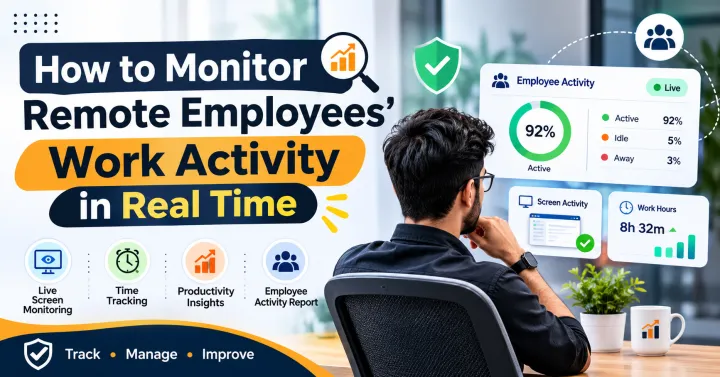
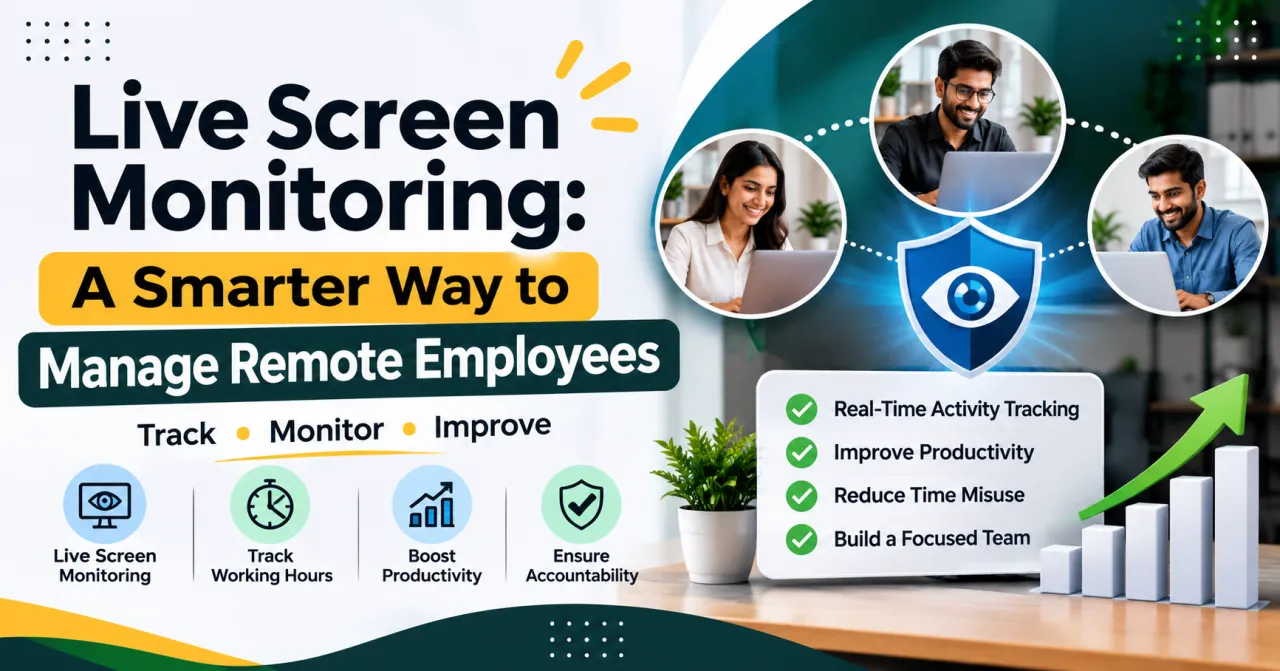
Live screen monitoring is a feature of employee monitoring software that allows authorized managers to view employee screen activity in real time, depending on the software's capabilities and configured permissions.
It helps managers understand which work-related applications are being used, whether employees are engaged in assigned tasks, and how work is progressing throughout the day.
Instead of depending only on daily updates or manual reports, businesses can use live screen monitoring to get a clearer picture of ongoing work activity.
For example, if a team member is working on a customer support task, a manager may be able to review the employee's work screen, subject to the organization's monitoring policy and the software's settings.
How Does Live Screen Monitoring Work?
Employee monitoring software generally uses an installed application or desktop agent to collect permitted activity information from company devices. The information is then made available through a management dashboard.
The exact features depend on the software and the settings configured by the business.
Here is how the process generally works:
Software Installation: The monitoring application is installed on authorized employee devices.
Employee Activity Collection: The software collects permitted work-related activity information.
Dashboard Updates: Collected information is displayed in a centralized management dashboard.
Manager Review: Authorized managers review activity to understand work progress and identify possible issues.
Performance Improvement: Managers use the information to provide feedback and improve team workflows.
This approach makes live screen monitoring a useful part of a structured employee management process.
What Can Businesses Track Through Employee Monitoring Software?
A good employee monitoring system can provide different types of information to help managers understand how their teams work.
1. Live Screen Activity
Screen monitoring can help authorized managers view employee screen activity during working hours. This can provide context about ongoing tasks and help identify work-related issues.
Managers should establish clear monitoring rules and explain what information is collected before using this feature.
2. Employee Working Hours
Tracking working hours helps businesses understand when employees start and finish their work.
It can also help managers review attendance patterns, working time, and time spent on assigned responsibilities.
3. Application and Website Usage
Application and website tracking can help businesses understand which tools employees use during working hours.
For example, managers may review whether employees are spending time on work-related applications or frequently accessing websites unrelated to their responsibilities.
4. Productivity and Activity Reports
Employee productivity reports can help managers understand work patterns over time.
These reports may highlight active time, application usage, attendance information, and other available activity indicators. Managers can use this information to identify workflow problems and provide better support.
5. Employee Accountability
When employees understand their responsibilities and the way work activity is reviewed, it becomes easier to establish clear expectations.
Transparent monitoring can encourage better communication, responsibility, and consistency across a team.
5 Benefits of Live Screen Monitoring for Remote Employee Management
Using live screen monitoring as part of a wider workforce management strategy can offer several benefits.
1. Better Visibility Into Work Progress
Managers may find it difficult to understand what is happening across a remote team when they cannot directly observe daily activities.
Screen monitoring can provide additional visibility into work progress and help managers identify situations where employees may need assistance.
2. Improved Employee Productivity
Productivity is not simply about spending more hours at a desk. It is also about completing tasks efficiently and using working time effectively.
By reviewing relevant activity information, managers can identify distractions, unnecessary delays, and workflow issues that may affect productivity.
3. Reduced Time Misuse
Unplanned breaks, frequent distractions, and poor time management can affect team performance.
Employee activity reports can help managers identify unusual work patterns and discuss possible improvements with employees.
The goal should be to improve work habits rather than continuously pressure employees.
4. Stronger Team Accountability
Clear expectations help employees understand their responsibilities.
When work progress, attendance, and relevant activity information are reviewed consistently, managers can make performance discussions more objective and constructive.
5. More Informed Management Decisions
Instead of relying entirely on assumptions, managers can use available reports and activity information to understand how work is being completed.
This can support better workload planning, team coordination, and performance improvement.
Live Screen Monitoring vs. Traditional Employee Management
Traditional employee management often depends on manual updates, meetings, attendance records, and individual reporting.
These methods can still be useful, but they may not always provide enough visibility into daily work activity.
Live screen monitoring adds another source of information by allowing authorized managers to review permitted screen activity in real time.
For example:
Traditional management may depend on employees sharing regular progress updates.
Screen monitoring may provide additional context about ongoing work.
Manual attendance records may require repeated checking.
Digital attendance and activity reports can make information easier to review.
However, monitoring software should support communication and management—not replace trust, clear expectations, or regular feedback.
Best Practices for Using Live Screen Monitoring Responsibly
Monitoring employees requires a balanced approach. Businesses should focus on transparency, privacy, and useful outcomes.
Consider these best practices:
Inform employees: Explain what is monitored, why it is monitored, and when monitoring takes place.
Set clear policies: Define which devices, applications, and activities are covered.
Respect privacy: Avoid collecting personal information that is not necessary for business purposes.
Use data fairly: Do not judge an employee's performance using only screen activity or time-based measurements.
Provide feedback: Discuss concerns constructively and give employees an opportunity to explain their work.
Review access: Limit monitoring information to authorized people and protect collected data.
A responsible approach helps businesses maintain accountability while respecting employee privacy.
How Zneus Helps Businesses Manage Employee Productivity
Businesses looking for a structured way to manage employee activity can explore workforce management platforms such as Zneus.
Zneus focuses on employee productivity and workforce management. Depending on the selected features and configuration, businesses can use tools such as:
Live Screen Monitoring: Get visibility into permitted employee screen activity.
Time Tracking: Review employee working hours and time-related activity.
Application and Website Tracking: Understand how work-related applications and websites are being used.
Automatic Screenshots: Review captured work-screen snapshots where this feature is enabled.
Productivity Analytics: Use available activity information and reports to understand work patterns.
Attendance and Leave Management: Organize employee attendance and leave information.
By bringing relevant workforce information into a centralized system, Zneus can help managers understand team activity and make more informed decisions.
Businesses should review the available features, privacy settings, and plan details before choosing a solution for their teams.
Common Mistakes to Avoid When Monitoring Remote Employees
Even useful monitoring tools can create problems if businesses use them incorrectly.
Here are some common mistakes to avoid:
Monitoring without communication: Employees should know what information is collected and why.
Focusing only on screen activity: A visible screen does not automatically mean productive work.
Ignoring work quality: Task completion, accuracy, and results are important performance indicators.
Using monitoring to micromanage: Constant checking can reduce employee confidence and affect team relationships.
Ignoring privacy: Businesses should collect only relevant information and control access appropriately.
The best approach is to combine monitoring data with clear goals, regular communication, and performance reviews.
Conclusion
Managing a remote workforce requires more than checking attendance or asking employees for regular updates. Businesses need a clear understanding of work progress, working hours, productivity patterns, and team responsibilities.
Live screen monitoring can provide useful visibility into employee activity and help managers identify areas where workflows can improve. When combined with time tracking, productivity reports, and transparent management practices, it can support a more organized and accountable workplace.
For businesses exploring workforce management solutions, Zneus offers tools designed to help manage employee activity and productivity through a centralized platform.
The key is to use monitoring responsibly, respect employee privacy, and focus on better work outcomes rather than simply watching screens.