
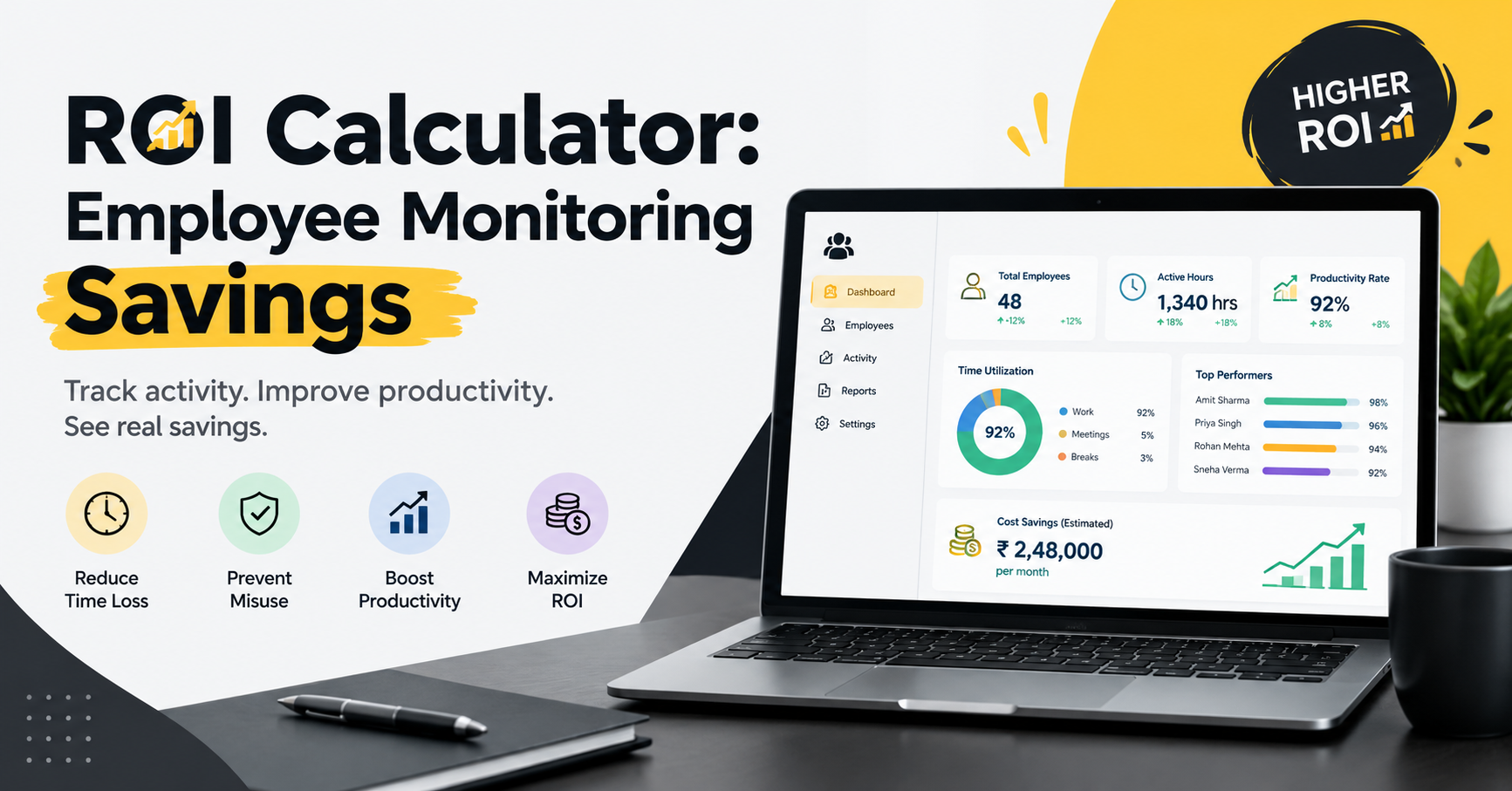
ROI Calculator: Employee Monitoring Savings
Every business wants to improve employee productivity, reduce unnecessary expenses, and achieve better results from its workforce. However, many organizations lose valuable working hours because of poor time management, inefficient workflows, unplanned breaks, and a lack of visibility into daily work activities. Over time, these small inefficiencies can increase operational costs and affect overall business performance.
This is where an employee monitoring savings strategy can help businesses understand how much time and money they may be losing and how much they could potentially save by improving workforce management.
An ROI calculator for employee monitoring helps organizations estimate the financial benefits of monitoring employee work activity, tracking productive hours, identifying time loss, and improving resource utilization. Instead of relying on assumptions, businesses can use measurable data to make better decisions about productivity and operational spending.
In this guide, we will explain how an employee monitoring ROI calculator works, which costs it measures, how to calculate potential savings, and how businesses can use employee productivity data to improve their return on investment.
What Is an Employee Monitoring ROI Calculator?
An employee monitoring ROI calculator is a tool that estimates the financial return a business may receive from using employee monitoring and workforce management software.
ROI stands for Return on Investment. It compares the financial benefits generated by an investment with the total cost of that investment.
An employee monitoring savings calculator can help businesses estimate potential benefits such as:
Reduced time wasted during working hours.
Improved employee productivity and work efficiency.
Better visibility into employee activity and project progress.
Reduced administrative work related to attendance and reporting.
Improved utilization of paid working hours.
Lower operational costs through better workforce planning.
For example, a company with 50 employees may discover that even a small amount of avoidable time loss per employee creates a significant cost over a month. By identifying the causes and improving workflows, the organization may be able to recover some of those productive hours.
The actual savings depend on the company's working practices, employee roles, software costs, and the improvements achieved after implementation.
Why Should Businesses Calculate Employee Monitoring Savings?
Businesses often focus on salaries and office expenses when calculating operational spending. However, lost productive time can also represent a significant indirect cost.
Without reliable information about work patterns, managers may find it difficult to identify workflow problems, allocate tasks effectively, or understand why certain projects take longer than expected.
Calculating employee monitoring savings helps organizations evaluate the financial impact of these challenges.
1. Identify Lost Working Hours
Employees may experience interruptions, unnecessary administrative tasks, frequent task switching, or unclear priorities during the working day. These issues can reduce the time available for meaningful work.
Employee activity reports and time-tracking data can help managers identify patterns and improve work processes without making assumptions about individual employees.
2. Improve Employee Productivity
Productivity tracking helps businesses understand how working time is distributed across tasks, projects, meetings, and other activities.
When managers identify bottlenecks, they can adjust workloads, improve processes, and provide employees with the support they need to perform better.
3. Control Operational Costs
Paid working hours are a business investment. When working time is used inefficiently, the organization may experience higher costs and slower project delivery.
An ROI calculator helps businesses estimate the financial impact of avoidable time loss and determine whether workforce management software is worth the investment.
4. Make Data-Driven Decisions
Instead of relying entirely on manual reports or assumptions, managers can use relevant employee activity data to make informed decisions about staffing, workload distribution, and process improvement.
Monitoring should support productivity and transparency rather than unnecessary surveillance.
How Does an Employee Monitoring Savings Calculator Work?
An employee monitoring savings calculator typically uses a few key inputs to estimate potential savings and return on investment.
Information Required for the Calculation
Number of employees: The number of employees whose working time or productivity is being evaluated.
Average hourly employee cost: The estimated cost of one paid working hour, based on salary and any additional employment costs included in the calculation.
Estimated time loss: The amount of working time per employee that is considered avoidable or recoverable.
Recoverable time percentage: The estimated proportion of lost time that the business could realistically reduce through process improvements.
Software cost: The monthly or annual cost of employee monitoring or workforce management software.
Implementation cost: Any one-time expenses associated with setup, training, and implementation.
These inputs help businesses create a realistic estimate instead of assuming that every identified inefficiency can be eliminated.
Employee Monitoring ROI Formula
Businesses can use the following formula to estimate the return on investment.
Step 1: Calculate the potential value of recovered time.
Potential monthly savings = Number of employees × Hours recovered per employee per month × Hourly employee cost
Step 2: Calculate the net financial benefit.
Net monthly benefit = Potential monthly savings − Monthly software cost − Other recurring costs
Step 3: Calculate ROI.
ROI (%) = (Net financial benefit ÷ Total investment cost) × 100
For a complete financial assessment, include relevant implementation expenses and compare costs and benefits over the same period.
Example of Employee Monitoring Savings
Suppose a company has 50 employees, and its average employee cost is ₹250 per working hour.
After reviewing its workflows, the company estimates that process improvements could recover 4 productive hours per employee each month.
The estimated value of recovered time would be:
50 employees × 4 hours × ₹250 = ₹50,000 per month.
If the monthly software cost is ₹10,000, the estimated monthly benefit after software costs would be ₹40,000, before other implementation or operating expenses.
Using the software cost alone as the investment denominator, the illustrative monthly ROI would be:
(₹40,000 ÷ ₹10,000) × 100 = 400%.
This is a hypothetical example, not a guaranteed result. The ₹50,000 represents the estimated value of recovered productive time, which may not translate directly into cash savings. Actual financial benefits depend on how effectively the company uses the recovered capacity.
Key Factors That Influence Employee Monitoring Savings
The results of an employee monitoring savings calculation vary from one organization to another. Several factors can influence the final outcome.
Workforce Size
Businesses with larger workforces may have more opportunities to improve productivity across teams. However, the actual benefit depends on existing inefficiencies and the improvements achieved.
Existing Productivity Levels
A company with efficient workflows may have fewer opportunities to recover lost time. An organization experiencing scheduling problems, repetitive administrative tasks, or unclear responsibilities may have more areas to improve.
Quality of Time Tracking
Accurate time-tracking information helps managers understand how working hours are allocated. Reliable data makes it easier to identify bottlenecks and evaluate whether changes are producing measurable results.
Employee Adoption
Monitoring software is most useful when employees understand its purpose and how the collected data will be used. Transparent policies, clear communication, and appropriate access controls can help build trust.
Software and Implementation Costs
Subscription fees, onboarding, training, and ongoing administration all affect ROI. Businesses should consider the complete cost of ownership rather than comparing potential savings only with the software subscription.
How Employee Monitoring Software Helps Improve ROI
Employee monitoring software can provide useful information about working hours, activity patterns, attendance, application usage, and task progress, depending on the platform's features.
When used appropriately, this information can help organizations:
Track working hours: Compare recorded working time with schedules and attendance records.
Understand activity patterns: Identify workflow interruptions and recurring inefficiencies.
Review productivity trends: Evaluate team-level patterns and changes over time.
Improve workload allocation: Identify teams that may need additional support or better task distribution.
Reduce manual reporting: Automate suitable administrative processes.
Measure improvements: Compare relevant performance indicators before and after implementing changes.
The goal should be to improve work processes and outcomes, not simply to increase monitoring. Screen monitoring, screenshots, and application tracking should be used only when appropriate, with clear policies and safeguards for employee privacy.
Best Practices for Maximizing Employee Monitoring Savings
To achieve meaningful results, businesses should combine technology with effective management practices.
Set Clear Productivity Goals
Define measurable objectives, such as reducing project delays, improving task completion rates, or decreasing time spent on repetitive administrative work.
Establish a Baseline
Measure current performance before introducing new software or processes. A baseline helps determine whether improvements are genuinely associated with the changes.
Review Data Regularly
Review weekly or monthly reports to identify trends. Avoid making major decisions based on a single day of activity or one isolated metric.
Protect Employee Privacy
Inform employees about what is monitored, why the information is collected, and who can access it. Follow applicable privacy, employment, and data-protection requirements.
Evaluate ROI Over Time
Compare software expenses with measurable improvements over an appropriate period. Include training, implementation, and administrative costs for a more complete assessment.
Common Mistakes to Avoid When Calculating ROI
An employee monitoring ROI calculator is only as useful as the assumptions behind it. Businesses should avoid these common mistakes:
Assuming that all unproductive time can be eliminated.
Treating the value of recovered hours as guaranteed cash savings.
Ignoring implementation and training expenses.
Using inaccurate salary or working-hour estimates.
Measuring activity instead of meaningful work outcomes.
Overlooking employee trust, privacy, and software adoption.
Calculating ROI without comparing results against a baseline.
A realistic calculation should use conservative assumptions, transparent methods, and measurable results.
Conclusion
An ROI calculator for employee monitoring helps businesses understand the potential financial impact of improving workforce productivity and reducing avoidable time loss. By evaluating employee costs, recoverable hours, software expenses, and operational improvements, organizations can make more informed decisions about workforce management investments.
A well-planned employee monitoring savings strategy combines accurate data, realistic financial assumptions, transparent employee policies, and continuous improvement. The objective is not merely to monitor working activity but to help employees and managers work more effectively.
Before investing in employee monitoring software, calculate your current costs, identify the biggest productivity challenges, and estimate the improvements that are realistically achievable. Review the results regularly to determine whether the investment is delivering measurable value to your business.