Managing a remote workforce can be challenging for businesses. Managers often find it difficult to understand employee performance, track working hours, identify productivity issues, and ensure that daily tasks are completed on time. Without proper insights, it becomes harder to make informed decisions and improve overall team performance.
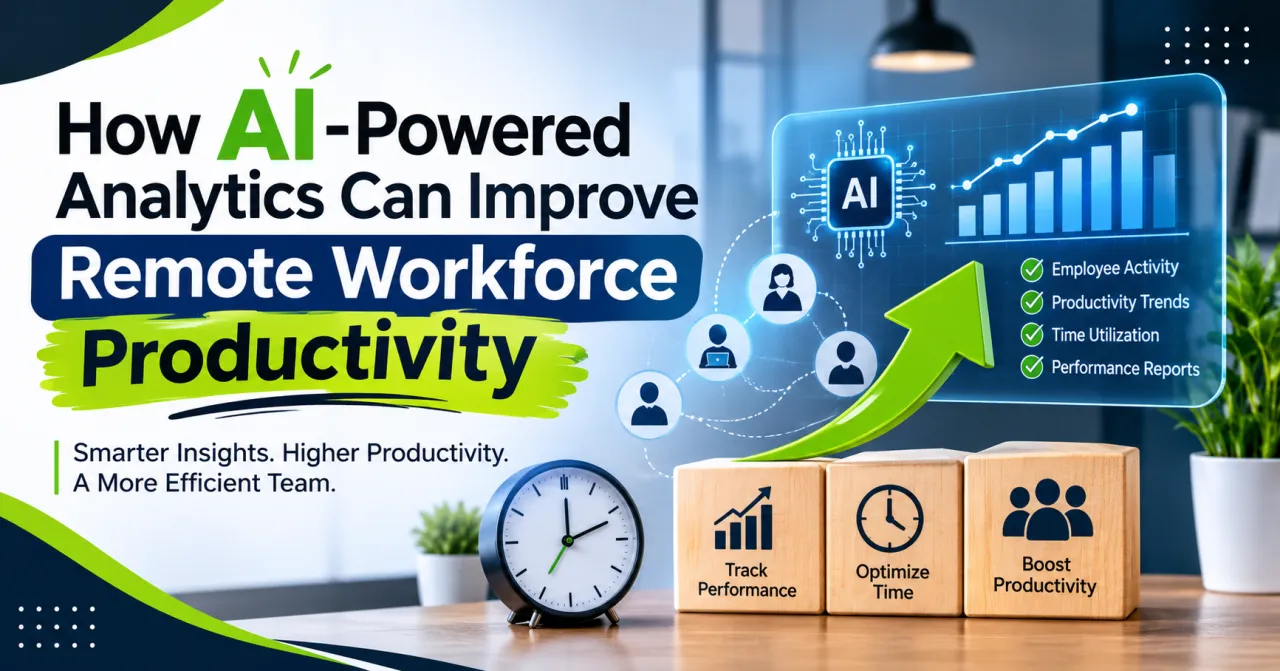
This is where AI-powered analytics can make a difference. By analyzing employee activity, work patterns, time utilization, and productivity trends, businesses can gain useful insights into how their teams work. Instead of depending only on manual reports, managers can use data-driven information to identify areas that need improvement.
AI-powered analytics helps organizations understand employee performance more clearly, manage working hours effectively, and create a more productive remote working environment.
What Are AI-Powered Analytics?
AI-powered analytics refers to the use of artificial intelligence and data analysis to collect, process, and understand information about business activities.
In workforce management, these analytics can help businesses understand employee work patterns, application usage, working hours, task progress, and productivity trends.
For example, a workforce management platform may organize activity and time-tracking information into reports and dashboards. Managers can use these reports to identify patterns, understand workload distribution, and make better decisions.
The main purpose is not simply to monitor employees. It is to understand work processes and find opportunities to improve efficiency.
1. Understand Employee Activity More Clearly
One of the major benefits of AI-powered analytics is better visibility into employee activity.
When employees work remotely, managers may not always know how daily tasks are progressing. Employee activity reports can provide useful information about work patterns and application usage.
Businesses can use these insights to:
Understand how employees spend their working hours.
Review application and website usage.
Identify work patterns during the day.
Understand whether employees have the tools they need.
Find areas where work processes can improve.
These insights help managers focus on work outcomes rather than making assumptions about employee performance.
2. Identify Productivity Trends
Every employee has different working habits and productivity patterns. Some employees may complete focused work in the morning, while others may perform better later in the day.
AI-powered analytics can help identify these patterns by analyzing available workforce data over time.
For example, productivity reports may help managers understand:
When employees are most active.
Which working periods show better productivity.
Whether workload is distributed effectively.
Which tasks or processes may be causing delays.
Where additional support or training may be useful.
By understanding productivity trends, businesses can make practical improvements to team schedules and workflows.
3. Improve Time Utilization
Time management is an important part of remote workforce productivity. Businesses need to understand how working hours are being used and whether employees have enough time to complete their responsibilities.
Time-tracking and attendance reports can help managers review working hours, login and logout records, breaks, and attendance patterns.
AI-powered analytics can make these records easier to understand by highlighting trends and unusual patterns in the available data.
Better time utilization can help organizations:
Reduce avoidable delays.
Improve work scheduling.
Understand attendance patterns.
Manage employee breaks effectively.
Make better use of available working hours.
The goal should be to improve time management without creating unnecessary pressure on employees.
4. Monitor Performance Through Data-Driven Reports
Employee performance should be evaluated using relevant information, clear expectations, and meaningful results.
Performance reports can help managers review employee activity, working hours, task progress, and other available indicators.
Instead of depending on occasional manual updates, managers can use organized reports to understand how work is progressing.
For example, a manager may notice that a particular process regularly takes longer than expected. This information can help the business investigate the reason and improve the workflow.
However, activity data should not be treated as the only measure of employee performance. Work quality, completed tasks, communication, deadlines, and individual responsibilities are also important.
5. Reduce Manual Reporting Work
Preparing employee attendance reports, working-hour summaries, and productivity updates manually can take considerable time.
Workforce analytics tools can organize available information into reports and dashboards, helping managers access important details more easily.
This can help businesses:
Spend less time preparing routine reports.
Review employee information in one place.
Identify patterns more quickly.
Make decisions using organized data.
Improve workforce management processes.
Automation can make reporting more efficient and allow managers to spend more time supporting their teams.
6. Identify Workload and Workflow Issues
Low productivity is not always caused by employees. Sometimes, the problem may be related to unclear responsibilities, repeated tasks, poor communication, or an unbalanced workload.
AI-powered analytics can help managers identify patterns that may indicate these problems.
For example, if reports show repeated delays in a particular process, managers can review the workflow and understand what is causing the issue.
Businesses can then take steps such as:
Distributing tasks more effectively.
Improving communication between teams.
Providing additional employee training.
Simplifying unnecessary processes.
Setting clearer work priorities.
This approach helps organizations improve productivity by solving the actual problem instead of blaming employees.
7. Support Better Decisions for Remote Teams
Managers need accurate and useful information to make decisions about their teams.
AI-powered analytics can turn workforce data into understandable reports that support planning and decision-making.
These insights may help managers decide:
Whether a team needs additional resources.
Which processes require improvement.
Where employees may need support.
How working schedules can be optimized.
Which productivity goals should be reviewed.
When managers understand workforce trends, they can plan more effectively and build a better working environment.
How Workforce Management Software Helps
Workforce management software brings important employee management features together in one platform. Depending on the software, these features may include time tracking, attendance management, screenshots, live screen monitoring, application and website usage reports, leave management, and productivity analytics.
A platform such as Zneus provides workforce management and employee productivity features that help businesses review employee activity and manage work-related information.
With organized dashboards and reports, managers can get a clearer view of working patterns and identify opportunities to improve team efficiency.
The most effective approach is to use monitoring and analytics transparently. Employees should understand what information is collected, why it is collected, and how it will be used.
Best Practices for Using AI-Powered Analytics
To get meaningful results from workforce analytics, businesses should follow a balanced approach.
1. Set Clear Productivity Goals: Define what productivity means for each role. Focus on completed work, quality, and business outcomes.
2. Use Relevant Data: Collect only information that is necessary for legitimate workforce management purposes.
3. Maintain Transparency: Inform employees about monitoring practices and applicable workplace policies.
4. Review Trends Regularly: Look at patterns over time instead of making decisions based on a single report.
5. Protect Employee Information: Apply suitable access controls and data security practices.
6. Combine Data With Human Judgment: Use analytics as a decision-support tool, not as a replacement for communication and managerial understanding.
Conclusion
AI-powered analytics can help businesses improve remote workforce productivity by making employee activity, working hours, productivity trends, and performance information easier to understand.
With better visibility into workforce data, managers can identify workflow problems, improve time utilization, reduce manual reporting, and make more informed decisions.
However, technology alone cannot guarantee higher productivity. Businesses also need clear goals, effective communication, fair performance evaluation, and a supportive working environment.
By combining workforce management software with responsible use of analytics, organizations can build more efficient, transparent, and productive remote teams.