Managing employees who work from different locations can be challenging for businesses. Managers need to understand whether tasks are progressing, how employees are spending their working hours, and where productivity improvements may be needed. Without proper visibility, tracking daily work progress can become difficult.
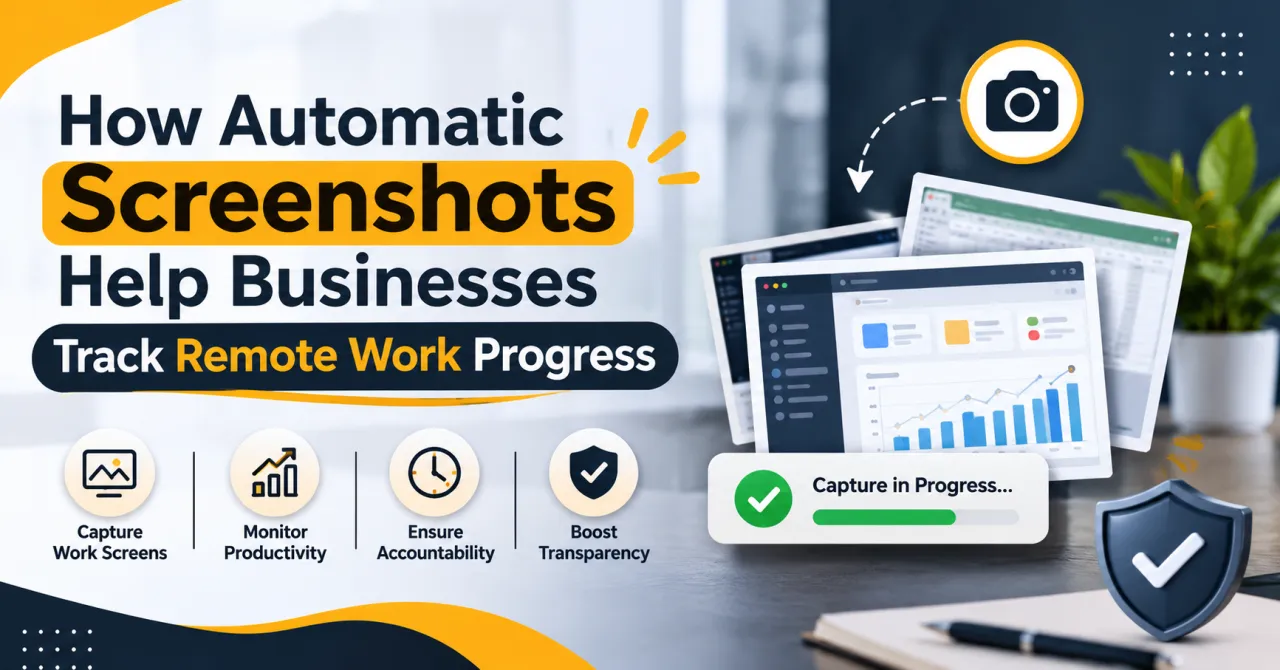
This is where automatic screenshots can help. They allow businesses to capture periodic snapshots of employee work screens during working hours, providing managers with a visual overview of work activity. When used responsibly and transparently, this feature can improve accountability, support productivity management, and make remote team management easier.
In this guide, we will explain how automatic screenshots work, their benefits, and how businesses can use them to track remote work progress effectively.
What Are Automatic Screenshots?
Automatic screenshots are images captured from an employee's computer screen at predefined intervals or according to software settings. These screenshots help managers understand what employees are working on during their scheduled working hours.
Instead of asking employees for frequent updates, managers can review available screen records to get an overview of work activity.
For example, a business may use screenshot monitoring to:
Review work-related applications and activities.
Understand progress on assigned tasks.
Identify workflow interruptions.
Maintain better visibility across distributed teams.
Support employee productivity reviews.
However, screenshots should be used as a supporting management tool, not as the only way to measure an employee's performance.
How Automatic Screenshots Help Track Remote Work Progress
Automatic screenshot functionality can make employee monitoring more organised by providing visual information about work activity. Here are some important ways businesses can use it.
1. Capture Employee Work Screens Automatically
One of the main benefits of automatic screenshots is that businesses can capture screen activity without requiring employees to take screenshots manually.
Depending on the software configuration, screenshots may be captured at scheduled intervals during working hours. Managers can then review the available records to understand the type of work being performed.
This can reduce the need for repeated progress requests and make activity reviews more structured.
2. Monitor Work-Related Activities
Screenshots can help managers see which applications, documents, or work-related tasks are visible on an employee's screen.
For example, a marketing employee may be working on content documents, analytics platforms, or campaign management tools. A development employee may be using coding applications or project management software.
By reviewing relevant screenshots alongside other activity information, managers can better understand how employees are using their working time.
3. Improve Employee Productivity
Productivity is not only about the number of hours an employee spends online. It also depends on how effectively working time is used.
Screenshot records can help managers identify possible workflow issues, repeated interruptions, or activities that may require further discussion.
When combined with time tracking and productivity reports, automatic screenshots can provide additional context for evaluating work patterns.
The objective should be to identify opportunities for improvement rather than continuously checking every action performed by employees.
4. Maintain Better Accountability
In distributed teams, managers may not always have direct visibility into daily work activities.
Screenshot records can provide an additional reference when reviewing work progress, discussing task delays, or understanding how working hours are being used.
This encourages a more organised approach to accountability because managers can refer to recorded activity instead of relying entirely on assumptions or frequent status updates.
5. Identify Workflow Problems
Sometimes, delays happen because employees face technical issues, unclear instructions, or difficulties accessing the tools they need.
Reviewing screenshots alongside task updates may help managers identify situations where additional support is required.
For example, if an employee repeatedly spends time on the same incomplete task, a manager can discuss whether the employee needs clarification, training, or technical assistance.
This helps businesses focus on solving problems instead of simply increasing monitoring.
6. Support Transparent Performance Reviews
Performance reviews become more useful when managers have relevant information to support their feedback.
Screenshots can provide additional context about work activity during a particular period. Managers can use this information alongside completed tasks, deadlines, attendance records, and project results.
This creates a more balanced review process and helps managers discuss performance with specific examples.
Key Benefits of Automatic Screenshot Monitoring for Businesses
Using screenshot functionality as part of an employee monitoring system can offer several benefits:
| Benefit | How It Helps |
|---|---|
| Better Work Visibility | Provides a visual reference for employee work activity. |
| Improved Accountability | Supports structured discussions about working hours and tasks. |
| Productivity Insights | Helps identify possible interruptions and workflow issues. |
| Easier Management | Reduces the need for repeated manual progress requests. |
| Better Reporting | Adds visual context to time and activity reports. |
| Informed Decisions | Helps managers identify where employees may need support. |
These benefits depend on how the software is configured and how responsibly the collected information is used.
How to Use Automatic Screenshots Without Micromanaging Employees
Employee monitoring should create clarity and trust, not unnecessary pressure. Businesses should follow a balanced approach when using screenshot functionality.
Here are some recommended practices:
1. Inform Employees Clearly
Explain why screenshots are being captured, when monitoring takes place, and who can access the records. Employees should understand the monitoring policy before the feature is enabled.
2. Set Appropriate Capture Intervals
Choose screenshot intervals according to business requirements. Avoid excessive monitoring that does not provide meaningful management value.
3. Focus on Work-Related Activities
Use screenshots to understand relevant work activity rather than judging employees based on every individual screen.
4. Combine Screenshots with Performance Data
Review screenshots alongside completed tasks, attendance, working hours, and project results. A single screenshot cannot represent an employee's complete productivity.
5. Protect Employee Privacy
Limit access to authorised managers, establish suitable data-retention practices, and follow applicable privacy and employment laws.
How Zneus Helps Businesses Monitor Employee Work Activity
Businesses looking for a more organised way to manage employee productivity can explore workforce monitoring platforms such as Zneus.
Zneus offers employee monitoring and workforce productivity features that help businesses understand work activity and manage distributed teams.
Depending on the enabled features and configuration, businesses can use its capabilities to:
Automatic Screenshots: Review captured screen records to understand employee work activity.
Live Screen Monitoring: Get visibility into employee screens through supported monitoring features.
Time Tracking: Understand how working hours are recorded.
App and Website Usage Tracking: Review application and website activity.
Productivity Analytics: Use activity information and reports to understand productivity patterns.
Attendance Management: Manage employee attendance and working-time records.
By bringing different workforce management features together, Zneus can help managers build a clearer picture of employee activity and identify areas where work processes may be improved.
The goal is not simply to monitor employees. It is to help businesses manage work more efficiently while maintaining transparency and accountability.
Are Automatic Screenshots Enough to Measure Employee Productivity?
No. Screenshots alone are not enough to measure employee productivity accurately.
An employee may spend time planning, reading, attending meetings, or thinking through a difficult task without producing frequent visible screen changes. Similarly, an active screen does not automatically mean that meaningful work is being completed.
Businesses should consider multiple performance indicators, including:
Tasks completed.
Quality of work.
Attendance and working hours.
Relevant application activity.
Communication and collaboration.
Overall business results.
Using multiple indicators creates a fairer understanding of employee performance.
Conclusion
Managing distributed teams requires more than simply tracking working hours. Businesses also need a clear understanding of work progress, productivity patterns, and possible workflow challenges.
Automatic screenshots can support this process by providing visual records of employee screen activity. When combined with time tracking, application usage reports, productivity analytics, and task management, they can help managers make better-informed decisions.
Platforms such as Zneus bring workforce monitoring and productivity management features together, helping businesses create a more organised and transparent approach to employee management.
The best monitoring strategy is one that balances business visibility with employee privacy, trust, and accountability.