Managing employees who work from different locations can be challenging for businesses. Managers need to understand how employees spend their working hours, whether tasks are completed on time, and how efficiently teams are performing. Without a proper system, tracking attendance, working hours, breaks, and productivity can become difficult.
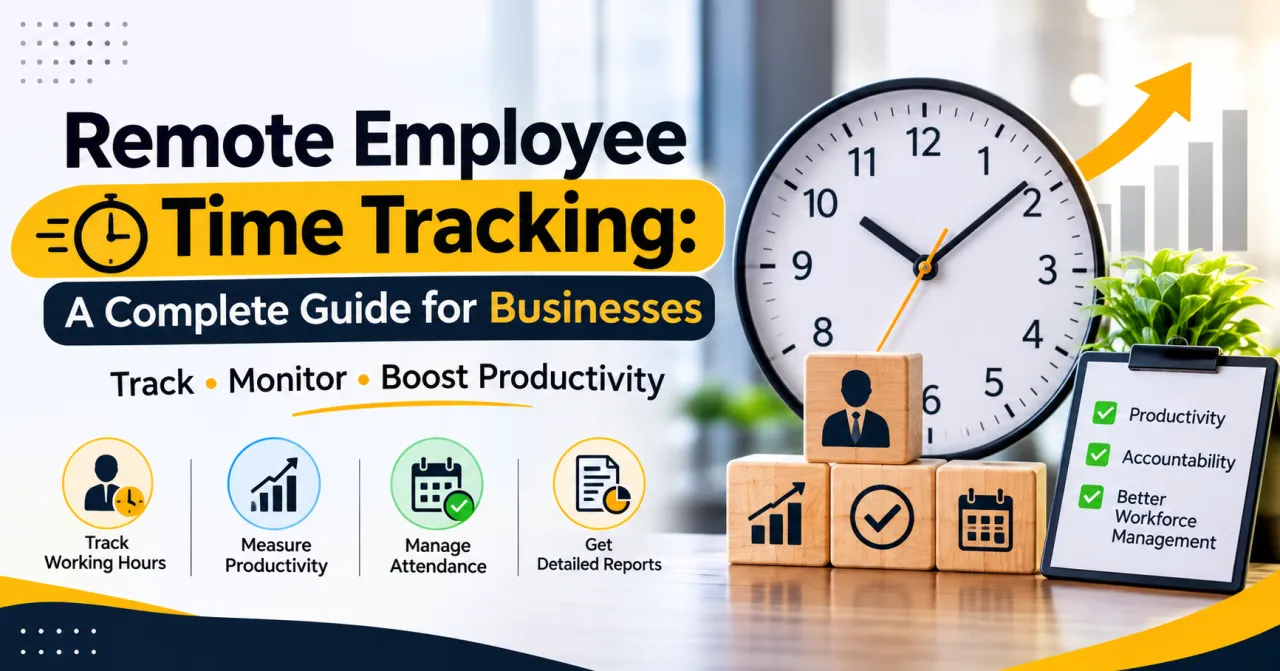
This is where remote employee time tracking becomes important. It helps businesses record employee working hours, monitor work activity, manage attendance, and understand overall productivity through organized reports.
With the help of modern employee time tracking software, businesses can manage their teams more effectively without depending entirely on manual timesheets or daily follow-ups.
In this guide, we will explain how remote employee time tracking works, why businesses need it, which features they should look for, and how the right software can improve workforce management.
What Is Remote Employee Time Tracking?
Remote employee time tracking is the process of recording and managing the working hours of employees who perform their jobs away from the company's physical office.
It allows businesses to understand when employees start working, how much time they spend on tasks, when they take breaks, and when they finish their working day.
Instead of depending on manual attendance registers or spreadsheets, companies can use digital tools to collect and organize employee time data.
A reliable remote employee time tracking system may include features such as:
Employee clock-in and clock-out records
Working hours tracking
Attendance management
Break time monitoring
Application and website usage tracking
Productivity reports
Automatic screenshots, where appropriate
Employee activity insights
These features help managers understand workforce activity while giving employees a clearer record of their working hours.
Why Do Businesses Need Remote Employee Time Tracking?
Managing a distributed workforce requires more than simply assigning tasks. Businesses also need a reliable way to understand attendance, working hours, and task progress.
Here are some important reasons why companies use employee time tracking systems.
1. Accurate Working Hours Tracking
Manual timesheets can contain mistakes, missing entries, or incorrect working hours. A digital tracking system helps businesses maintain organized records of employee working time.
Managers can review when employees begin and finish their work and understand the total hours recorded during a particular period.
2. Better Employee Productivity Management
Productivity is not just about the number of hours an employee spends working. It also depends on how effectively that time is used.
Employee productivity tracking tools can provide insights into work patterns, application usage, and activity levels. These insights help managers identify areas where employees may need better support or improved workflows.
3. Improved Attendance Management
Tracking attendance across different locations can become difficult without a centralized system.
Attendance management software helps businesses maintain employee attendance records, review clock-in and clock-out times, and manage attendance information more efficiently.
4. Reduced Manual Work
HR teams often spend considerable time preparing attendance sheets, calculating working hours, and creating reports.
Automated time tracking reduces repetitive administrative work and allows HR professionals to focus on more important responsibilities.
5. Better Transparency and Accountability
A clear time tracking process helps employees and managers understand working schedules and recorded hours.
When businesses communicate their monitoring policies properly, employees can also review their recorded information and understand how their working time is managed.
How Does Remote Employee Time Tracking Work?
Modern employee time tracking software uses digital tools to record and organize employee work information.
Although the exact process depends on the software, most systems follow a few common steps.
Step 1: Employee Login and Attendance
Employees access the tracking platform using their assigned accounts. Depending on the system, they can record their attendance through a clock-in and clock-out feature.
This creates a digital record of their working schedule.
Step 2: Working Hours Are Recorded
The software records working time based on the configured tracking method.
Managers can review total working hours, attendance records, and other time-related information through a centralized dashboard.
Step 3: Employee Activity Is Monitored
Some workforce management platforms provide application and website usage tracking, activity insights, or periodic screenshots.
These features can help managers understand how work-related tools are being used. Businesses should configure them transparently and follow applicable privacy and employment requirements.
Step 4: Break Time Is Managed
Break management features help businesses understand how much time employees spend on breaks during their working schedules.
This makes it easier to maintain consistent time records and review work schedules.
Step 5: Reports Are Generated
The collected information can be organized into reports showing attendance, working hours, activity patterns, and productivity insights.
Managers can use these reports to identify trends and make better workforce management decisions.
Important Features to Look for in Remote Employee Time Tracking Software
Choosing the right software is important because every business has different workforce management requirements.
Here are some useful features to consider before selecting a time tracking solution.
1. Automatic Time Tracking
Automatic time tracking helps record employee working hours with less manual effort. It can reduce errors and make time records easier to manage.
2. Live Screen Monitoring
Live screen monitoring allows authorized managers to view employee screen activity when this feature is enabled.
It can help businesses understand work progress, but it should be used responsibly with clear employee communication and appropriate access controls.
3. Automatic Screenshots
Some employee monitoring platforms capture screenshots at configured intervals.
These records can help managers review work-related activity when necessary. Businesses should establish clear policies about screenshot frequency, access, retention, and employee privacy.
4. Application and Website Usage Tracking
This feature provides information about the applications and websites employees use during tracked working periods.
It can help businesses understand whether teams are spending time on relevant work tools and identify opportunities to improve workflows.
5. Attendance and Leave Management
A good workforce management system should make it easier to manage attendance records, working schedules, and employee leave information.
Having these functions in one place can reduce administrative complexity.
6. Productivity Analytics and Reports
Reports and productivity analytics help managers understand work patterns over time.
Instead of making decisions based on assumptions, businesses can use recorded information to identify trends and discuss improvements with employees.
How Zneus Helps Businesses Manage Employee Time and Productivity
Businesses looking for a centralized workforce productivity solution can explore platforms such as Zneus.
Zneus offers workforce management and employee productivity features designed to help businesses organize employee activity and working information.
Its platform includes several useful capabilities:
Time and Attendance Tracking: Helps businesses manage employee working hours and attendance information.
Live Screen Monitoring: Provides screen visibility for authorized monitoring.
Automatic Screenshots: Helps maintain visual records of employee screen activity.
Application and Website Tracking: Provides insights into application and website usage.
Break Management: Helps businesses review employee break information.
AI-Powered Productivity Analytics: Supports the analysis of employee productivity and activity patterns.
Detailed Reports: Helps managers review workforce information in an organized format.
Leave Management: Helps simplify employee leave administration.
By bringing these capabilities together, Zneus can help businesses improve visibility into workforce activity and organize employee management processes.
However, employee monitoring should always be transparent, proportionate, and aligned with applicable laws and company policies.
Best Practices for Implementing Employee Time Tracking
Simply installing employee time tracking software does not guarantee better productivity. Businesses should implement it with a clear strategy.
Consider these best practices:
1. Set Clear Working Hour Policies
Define employee working schedules, break durations, attendance expectations, and reporting procedures before implementing a tracking system.
2. Inform Employees About Monitoring
Explain what information is collected, why it is collected, who can access it, and how long it is retained.
Transparency helps build trust between employees and management.
3. Focus on Productivity, Not Just Hours
Long working hours do not always mean better performance. Managers should consider task completion, work quality, deadlines, and other relevant performance indicators.
4. Review Reports Regularly
Use time tracking reports to identify attendance patterns, workflow problems, and areas that need improvement.
Avoid making important decisions based on a single metric or isolated activity record.
5. Protect Employee Information
Choose software with suitable security controls and limit access to employee monitoring data to authorized individuals.
Businesses should also follow applicable data protection and employment requirements.
Common Mistakes Businesses Should Avoid
While implementing remote employee time tracking, companies sometimes make mistakes that reduce its effectiveness.
Avoid these common problems:
Tracking employees without explaining the monitoring policy.
Focusing only on total working hours instead of actual work outcomes.
Using activity data as the only measure of employee performance.
Ignoring employee privacy and data security.
Choosing software without checking its features and reporting capabilities.
Failing to review and improve tracking policies regularly.
A balanced approach helps businesses maintain accountability while creating a healthy and transparent working environment.
Benefits of Using Remote Employee Time Tracking Software
The right tracking solution can provide several operational benefits.
Improved Time Management: Businesses can understand how working hours are recorded and identify time management issues.
Better Attendance Records: Digital attendance information reduces dependence on manual registers and spreadsheets.
Increased Productivity Visibility: Managers can review work patterns and identify areas where teams may need support.
Simplified HR Operations: Centralized records can reduce repetitive administrative tasks.
More Informed Decisions: Reports provide useful information for workforce planning and process improvement.
Greater Accountability: Clear working schedules and transparent records help employees and managers understand their responsibilities.
Conclusion
Managing a distributed workforce becomes easier when businesses have accurate information about employee working hours, attendance, and productivity.
Remote employee time tracking helps organizations replace manual processes with structured digital records. From attendance management and break tracking to productivity analytics and detailed reports, the right software can support better workforce management.
Businesses should choose a solution that matches their requirements, protects employee information, and encourages transparency.
With features such as time tracking, attendance management, screen monitoring, application usage insights, and productivity analytics, platforms like Zneus can help businesses build a more organized and accountable workforce.
The goal should not be to monitor every minute of an employee's day. It should be to manage working time effectively, support employees, and improve overall business productivity.