Automatic Screenshot Software: Benefits & Risks
In today’s digital workplace, businesses are increasingly using technology to understand how employees spend their working hours and how effectively work is being completed. One of the technologies becoming more common is automatic screenshot software. This type of employee monitoring software automatically captures screenshots of an employee’s computer screen at scheduled or random intervals, allowing managers and organizations to understand work activity without constantly interrupting employees.
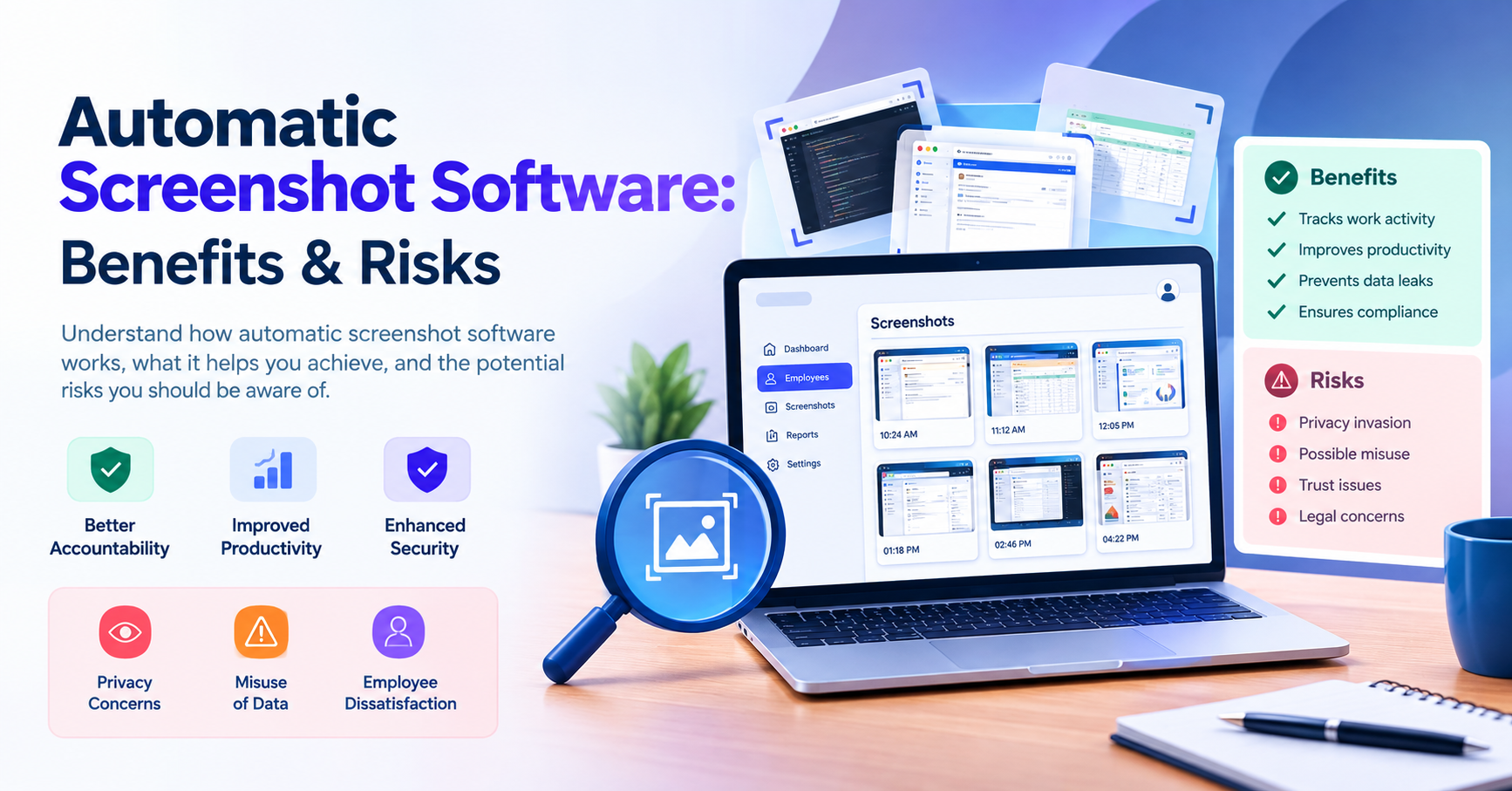
Automatic screenshot software can be useful for improving accountability, understanding productivity, protecting sensitive business information, and maintaining better visibility into employee activities. However, screenshot monitoring also comes with important concerns related to employee privacy, data security, trust, transparency, and compliance.
Therefore, businesses should understand both the benefits and risks before implementing automatic screenshot software.
What Is Automatic Screenshot Software?
Automatic screenshot software is a digital monitoring solution that captures images of an employee’s computer screen automatically during defined working periods.
Instead of requiring a manager to manually check an employee’s computer, the software can collect screenshots in the background according to configured settings. These screenshots may then be available through an administrative dashboard where authorized managers can review activity.
Depending on the software, organizations may also be able to combine screenshots with other productivity information such as:
- Employee activity
- Application usage
- Website usage
- Active and idle time
- Work hours
- Productivity reports
- Project activity
- Task progress
- Attendance information
The purpose is generally not simply to take screenshots. The larger objective is to give organizations a clearer understanding of how work is being performed and where productivity or security issues may exist.
How Does Automatic Screenshot Software Work?
Automatic screenshot software generally works through an employee monitoring application installed on the employee's computer or connected to an organization's work environment.
Once configured, the system can capture screenshots according to predefined rules. For example, a business might configure screenshots to be captured at specific intervals rather than continuously.
The captured information can then be organized inside a dashboard.
A typical process may look like this:
Employee Computer → Automatic Screenshot Capture → Secure Storage → Management Dashboard → Activity Review → Reports & Insights
Managers can review available screenshots and other activity information from a centralized interface.
This can make it easier to identify whether employees are actively working on business-related applications, spending excessive time on unrelated activities, or encountering workflow problems.
However, organizations should always make employees aware of monitoring policies and clearly explain what information is collected and why.
Benefits of Automatic Screenshot Software
Automatic screenshot monitoring can provide several advantages when it is implemented responsibly and transparently.
1. Better Employee Accountability
One of the primary advantages of screenshot software is improved accountability.
When employees know that work activity may be recorded, they may become more conscious of how they use company time and resources.
For managers, screenshots can provide additional evidence of work activity rather than relying entirely on assumptions or manual reporting.
For example, if an employee reports spending several hours working on a specific project, screenshots and activity records may help managers understand what work was actually being performed during that period.
This can create a more measurable approach to employee accountability.
However, screenshots should be treated as supporting information, not as the only measurement of employee performance.
2. Helps Understand Employee Productivity
Productivity is not always easy to measure.
An employee may spend several hours researching information, preparing documents, communicating with clients, or working across multiple applications. Traditional attendance systems may only show when the employee was logged in.
Automatic screenshot software can provide additional context.
Managers can potentially understand:
- Which applications employees are using
- What type of work is being performed
- Whether employees are spending time on relevant tasks
- Where productivity interruptions occur
- Whether employees are actively engaged with assigned work
When combined with other productivity metrics, screenshot data can help organizations identify patterns and improve workflows.
3. Improves Security Monitoring
Businesses handle large amounts of confidential information every day.
Employees may have access to:
- Customer information
- Financial records
- Business documents
- Internal systems
- Password-protected applications
- Company strategies
- Product information
- Sensitive project data
Automatic screenshots can provide an additional layer of visibility into how company systems and information are being used.
If unusual activity occurs, authorized administrators may be able to investigate the situation using available screenshots and activity records.
This can be especially useful for organizations that need stronger visibility over sensitive business operations.
4. Helps Prevent Data Misuse
Data misuse can create significant risks for businesses.
Employees may accidentally share confidential information, access inappropriate resources, or transfer company information to unauthorized locations.
Screenshot monitoring can help organizations investigate suspicious activity and understand what happened.
For example, if a company notices unusual activity involving sensitive documents, administrators may review relevant activity records to determine whether the information was accessed or handled improperly.
The software should not be viewed as a complete security solution, but it can become one component of a broader data protection strategy.
5. Supports Performance Reviews
Employee performance reviews are often based on a combination of task completion, quality of work, attendance, communication, and productivity.
Screenshot information can sometimes provide additional context.
For example, managers may discover that an employee is spending significant time dealing with repetitive administrative tasks. Instead of assuming that the employee is inefficient, the organization may identify an opportunity to automate that process.
In this way, monitoring data can help managers understand why productivity levels may be changing.
6. Helps Identify Workflow Problems
Sometimes the problem is not the employee.
An inefficient workflow, outdated software, repetitive process, or lack of resources can reduce productivity.
Screenshot and activity data can help managers identify these problems.
For example, if employees repeatedly switch between multiple applications to complete a simple task, the organization may recognize an opportunity to improve its workflow.
This makes monitoring data useful not only for employee evaluation but also for process improvement.
Risks of Automatic Screenshot Software
Although automatic screenshot software can provide valuable insights, it also creates several risks that businesses need to consider carefully.
1. Employee Privacy Concerns
Privacy is one of the biggest concerns associated with automatic screenshots.
A screenshot can potentially contain sensitive information such as:
- Personal messages
- Private notifications
- Personal account information
- Customer information
- Password-related information
- Financial details
- Confidential documents
If screenshots are captured without appropriate controls, businesses may collect more information than they actually need.
Therefore, organizations should establish clear monitoring policies and configure the software carefully.
2. Misuse of Monitoring Data
Another major risk is improper use of collected information.
Screenshot data can be sensitive. If access is not properly controlled, unauthorized individuals may view or share employee screenshots.
Businesses should therefore implement strong security measures such as:
- Restricted administrator access
- Secure data storage
- Strong authentication
- Access permissions
- Data retention policies
- Regular security reviews
Only authorized individuals should have access to employee monitoring information.
3. Employee Trust Issues
Monitoring can affect the relationship between employees and management.
If employees feel that they are constantly being watched, they may become uncomfortable or feel that management does not trust them.
This can negatively affect:
- Employee morale
- Workplace culture
- Job satisfaction
- Communication
- Trust between employees and managers
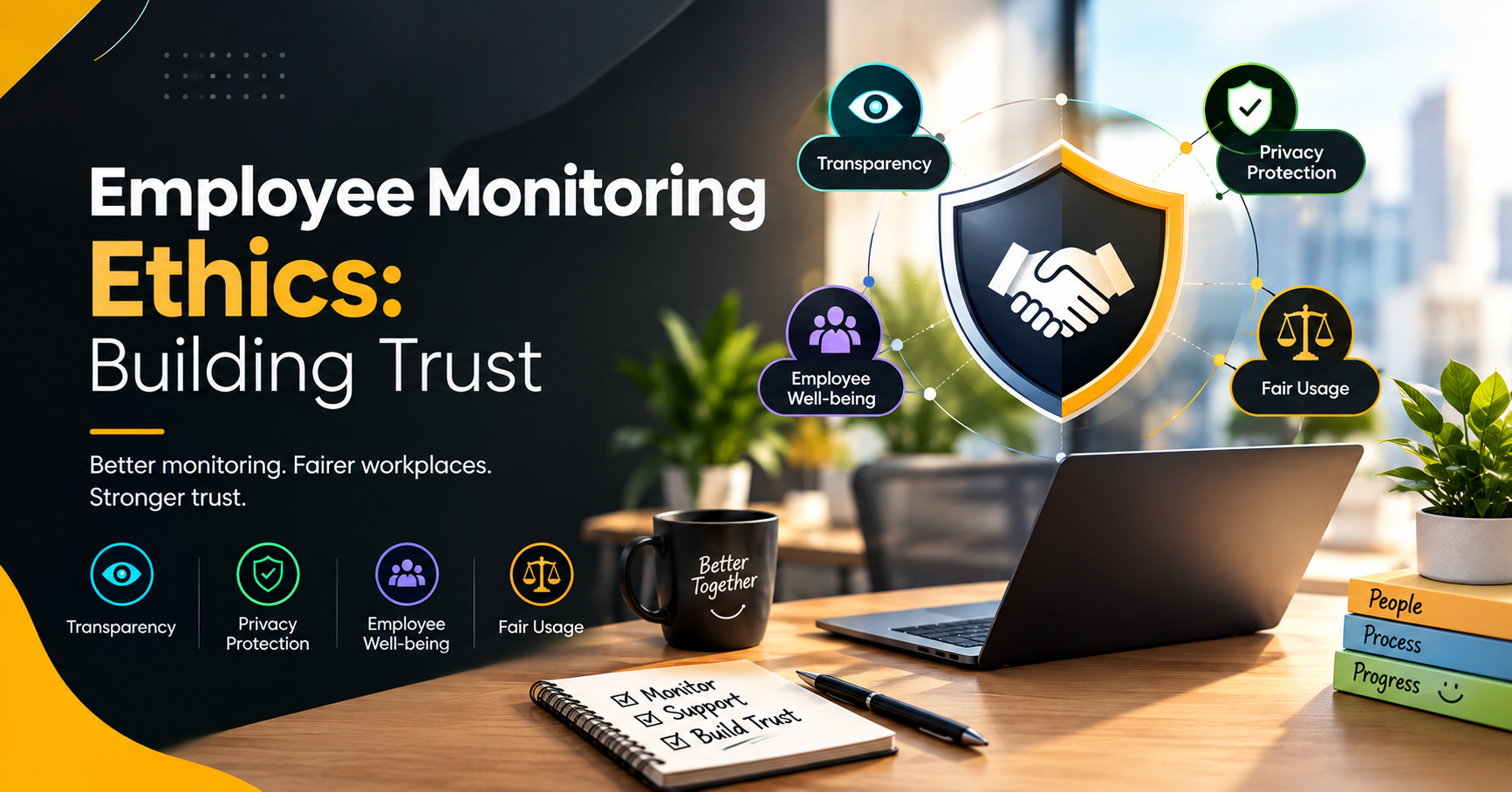
The solution is transparency.
Employees should understand:
What is being monitored?
Why is it being monitored?
When is it being monitored?
Who can access the information?
How long is the data stored?
Clear communication can make monitoring more understandable and reduce unnecessary concerns.
4. Legal and Compliance Concerns
Employee monitoring can involve sensitive personal and workplace information.
Different countries and jurisdictions may have different requirements concerning employee privacy, personal data, consent, transparency, and monitoring.
Businesses should therefore review applicable laws and regulations before implementing screenshot monitoring.
A company should avoid assuming that it can monitor everything simply because employees are using company-owned devices.
A responsible monitoring policy should consider:
- Data protection requirements
- Employee privacy
- Transparency
- Purpose limitation
- Data retention
- Access controls
- Security requirements
Organizations should also obtain appropriate legal guidance where necessary.
5. Screenshots Do Not Always Represent Productivity
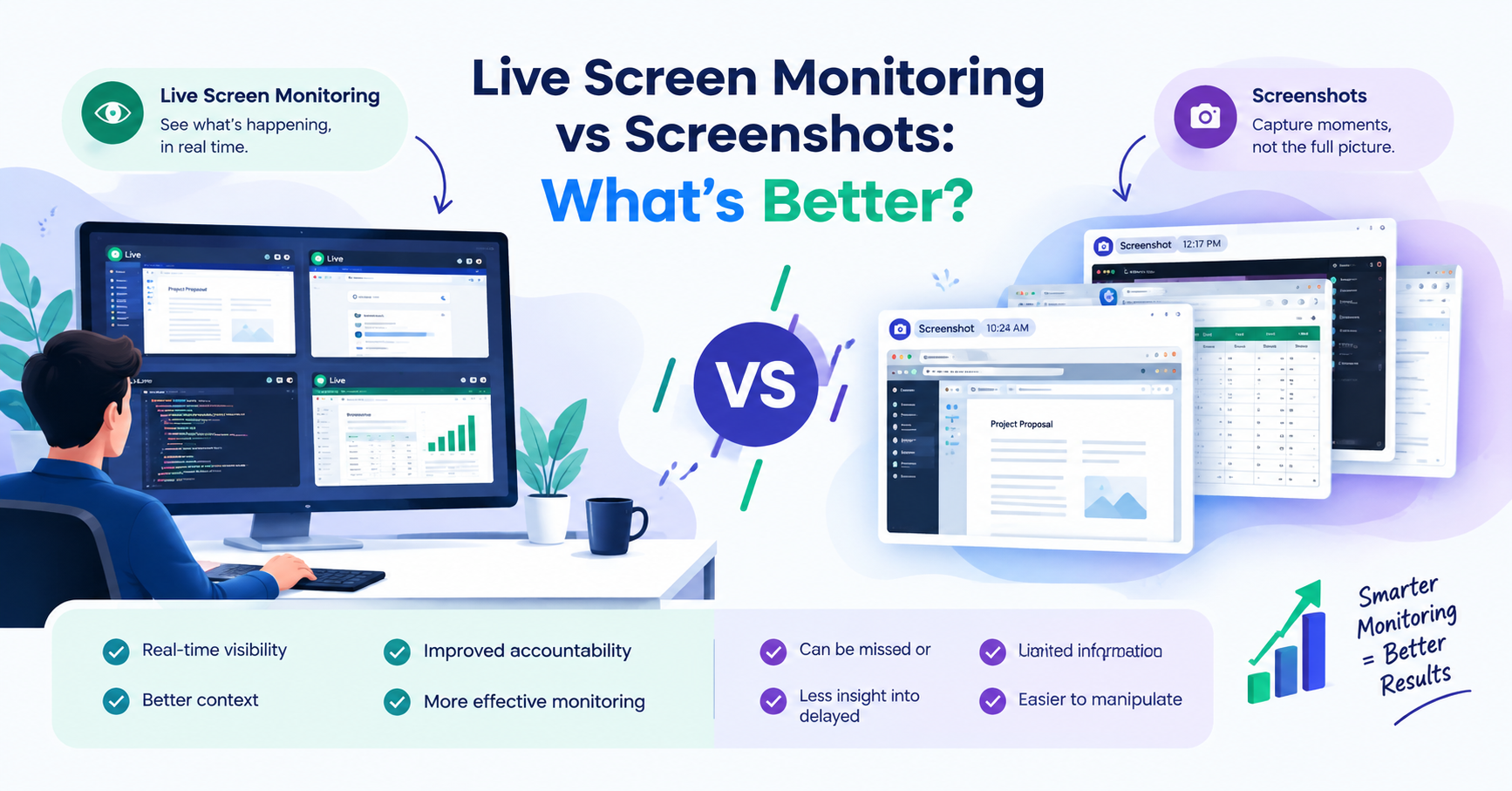
Another important limitation is that a screenshot only shows what appears on a screen at a particular moment.
It does not necessarily explain:
- The quality of the work
- The complexity of the task
- The employee’s creativity
- Time spent thinking
- Offline work
- Meetings
- Research
- Problem-solving
For example, an employee could spend thirty minutes looking at a document while carefully analyzing a complicated business problem. A screenshot might show very little visible activity, even though the employee is doing valuable work.
Therefore, organizations should avoid judging productivity based solely on screenshots.
Automatic Screenshots vs. Employee Productivity
The best employee monitoring strategy is not necessarily the one that collects the most data.
Instead, businesses should focus on collecting useful and relevant information.
Automatic screenshot software can be combined with other metrics such as:
- Active time
- Idle time
- Application usage
- Task completion
- Attendance
- Project progress
- Productivity trends
- Work reports
This creates a more complete picture of employee performance.
For example, instead of saying:
“The employee had fewer screenshots, so productivity was low.”
A manager can examine multiple indicators and ask:
- Was the assigned task completed?
- Was the work delivered on time?
- Was the employee active in relevant applications?
- Was the task particularly complex?
- Were there technical problems?
- Did the employee spend time in meetings?
This approach creates a much fairer productivity evaluation system.
How Businesses Can Use Screenshot Software Responsibly
Automatic screenshot software can be valuable when organizations use it responsibly.
Here are some important practices businesses should follow.
Be Transparent
Employees should be informed about monitoring policies before monitoring begins.
The organization should clearly explain what information is collected and how it will be used.
Collect Only Necessary Data
Businesses should avoid collecting information simply because the software makes it possible.
Monitoring should have a clear business purpose.
Protect Screenshot Data
Screenshots should be treated as sensitive company information.
Access should be restricted to authorized personnel, and appropriate security measures should be implemented.
Create Clear Policies
Organizations should establish written policies covering:
- Monitoring purpose
- Screenshot frequency
- Data access
- Data storage
- Data retention
- Employee rights
- Security procedures
Focus on Productivity, Not Surveillance
The objective should be improving productivity and business processes rather than creating an environment where employees feel constantly watched.
This distinction is extremely important.
Who Can Benefit From Automatic Screenshot Software?
Automatic screenshot software may be useful for organizations that need greater visibility into digital work activity.
It can be particularly relevant for:
IT Companies
Technology companies often manage multiple projects, applications, and digital workflows. Screenshot monitoring can provide additional visibility into work activity.
Customer Support Teams
Support teams use multiple applications throughout the day. Activity monitoring can help managers understand workflow and identify productivity problems.
Financial Organizations
Businesses dealing with sensitive financial information may require stronger visibility and security controls.
Agencies
Marketing, development, design, and other agencies can use productivity information to understand project activity and resource allocation.
Organizations With Large Teams
Larger organizations may find it difficult to manually monitor work processes. Centralized dashboards can make activity information easier to review.
Is Automatic Screenshot Software Worth Using?
Whether automatic screenshot software is worth implementing depends on the organization's goals and monitoring requirements.
If a business needs better visibility into employee activity, productivity patterns, security, and workflow, screenshot software can provide useful information.
However, it should not become a replacement for good management.
Successful organizations need a combination of:
Technology + Clear Policies + Communication + Trust + Productivity Measurement
When these elements work together, monitoring technology can support employees and managers rather than creating unnecessary pressure.
Final Thoughts
Automatic screenshot software can offer businesses valuable visibility into digital work activity. It can help improve accountability, understand productivity, support security investigations, identify workflow problems, and provide managers with additional information for performance discussions.
At the same time, screenshot monitoring introduces important risks related to privacy, data misuse, employee trust, and legal compliance.
The most effective approach is therefore not simply to capture as many screenshots as possible. Instead, businesses should use monitoring technology carefully, transparently, and for clearly defined business purposes.
Employees should understand what is being monitored, why the information is collected, and how their data is protected.
Ultimately, automatic screenshot software should be used as a productivity and visibility tool—not as a tool for constant surveillance.
When implemented with transparency, security, and responsible policies, it can help organizations create better workflows, improve accountability, protect business information, and make more informed decisions about workplace productivity.