Managing remote employees can be challenging when managers cannot directly observe daily work activities. Businesses need a clear way to understand how working hours are being used, identify unnecessary idle time, and improve overall team performance. This is where employee monitoring and productivity tracking tools can help.
Remote employee productivity is not simply about counting working hours. It is about understanding work patterns, identifying productivity gaps, and helping employees use their time effectively.
With the right workforce management software, businesses can monitor work activity, review productivity reports, track application usage, and make better decisions without constantly disturbing employees.
In this guide, we will explain how to identify idle time and explore practical ways to improve remote employee productivity.
What Is Idle Time in Remote Work?
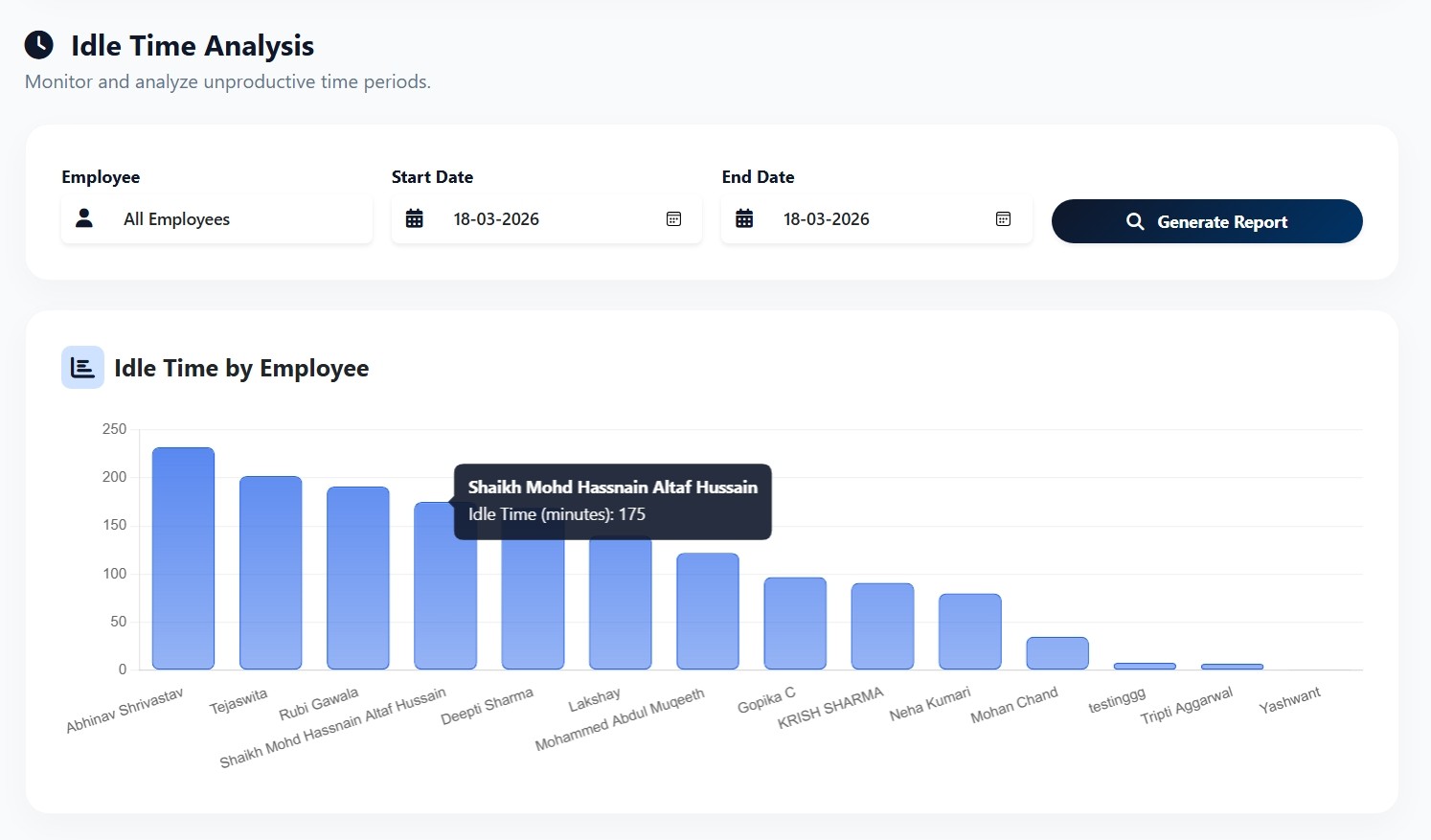
Idle time refers to periods during working hours when an employee is not actively using their computer or performing recorded work-related activities.
For example, an employee may remain inactive on their system for an extended period during scheduled working hours. This can indicate a possible productivity gap that managers may need to review.
However, idle time does not always mean an employee is avoiding work. Employees may attend meetings, read documents, make phone calls, take approved breaks, or complete tasks away from their computers.
Therefore, businesses should consider work context before treating inactivity as a performance issue.
Why Is It Important to Identify Idle Time?
Identifying idle time helps businesses understand how working hours are being used and where improvements may be needed.
Here are some important reasons:
1. Better Time Management
Tracking activity patterns helps managers understand how employees spend their working hours. It can highlight unnecessary delays and help teams organize their schedules more effectively.
2. Improved Work Efficiency
When managers understand where productivity gaps occur, they can provide better guidance, adjust workloads, and improve work processes.
3. Increased Accountability
Clear work activity reports help employees and managers understand responsibilities and daily progress. This creates a more transparent working environment.
4. Better Resource Planning
Productivity reports can help businesses identify workload imbalances and distribute tasks more effectively across their teams.
How to Identify Idle Time in Remote Employees
Businesses can use employee monitoring and productivity tracking tools to understand work activity during scheduled hours.
Here are some useful methods:
1. Monitor Computer Activity
Computer activity monitoring helps businesses understand when employees are actively using their systems and when extended inactivity occurs.
Managers can review activity patterns instead of relying only on assumptions about employee performance.
2. Track Application and Website Usage
Application and website usage tracking provides information about which tools employees use during working hours.
For example, a team member working on a design project may regularly use design software, while an accountant may spend more time using spreadsheet and accounting applications.
This information helps managers understand whether application usage is relevant to assigned responsibilities.
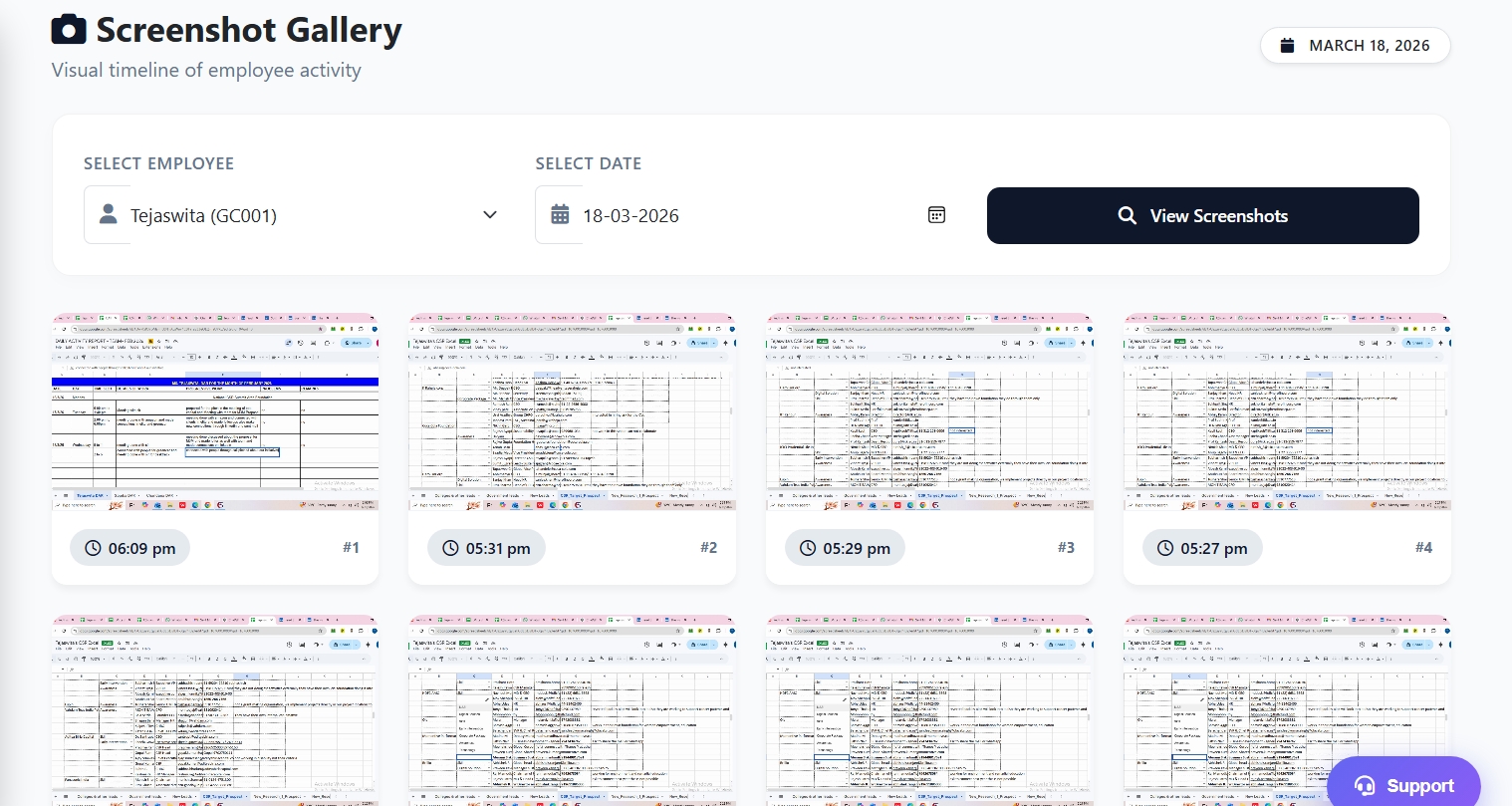
3. Review Automatic Screenshots
Automatic screenshots can provide visual records of computer activity at configured intervals.
Managers can review these records to understand work progress and identify possible interruptions or unusual activity patterns.
Screenshot monitoring should follow company policies, applicable privacy requirements, and employee communication practices.
4. Analyze Time Tracking Reports
Time tracking reports help businesses understand working hours, activity patterns, and time allocation.
By reviewing these reports regularly, managers can identify patterns that may require attention and make better decisions about workload management.
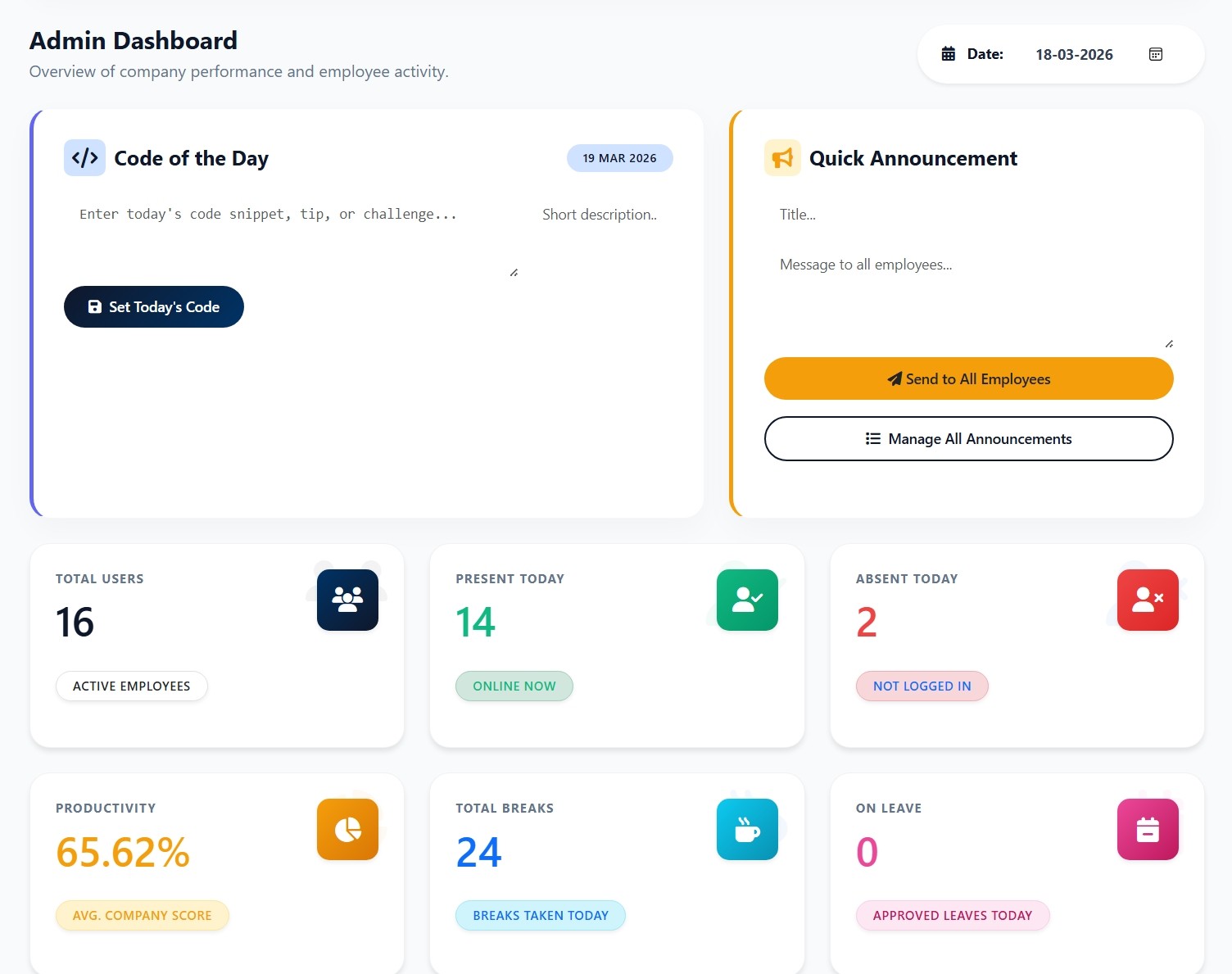
5. Use Productivity Analytics
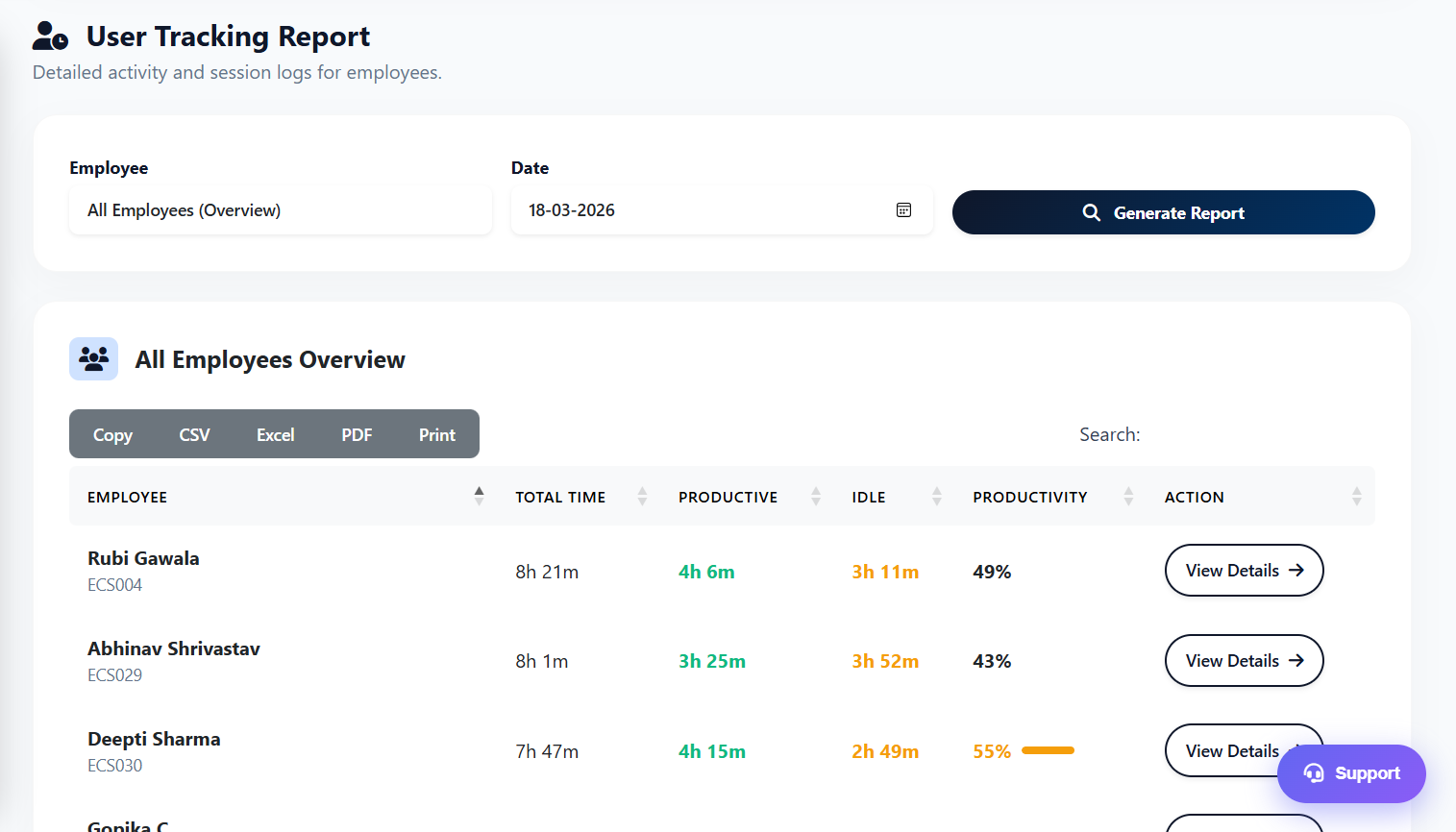
Productivity analytics can organize employee activity data into reports and performance indicators.
Instead of manually checking every employee's activity, managers can use summarized information to identify trends, understand performance, and find areas for improvement.
How Employee Monitoring Software Helps Identify Idle Time
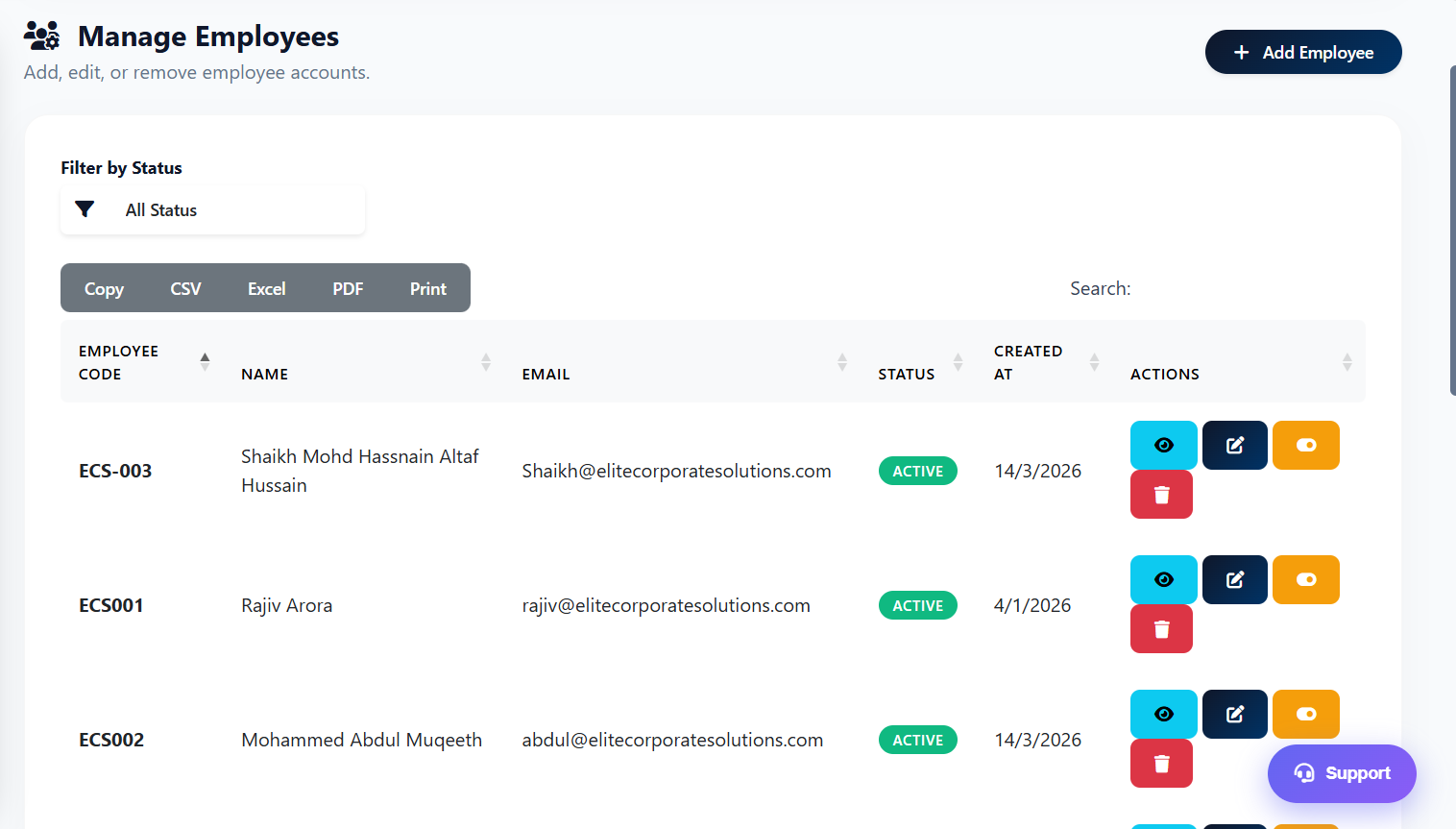
Employee monitoring software brings different tracking and reporting features together in one place. It helps businesses understand employee activity and manage workforce productivity more efficiently.
Here are some useful features:
| Feature | How It Helps |
|---|---|
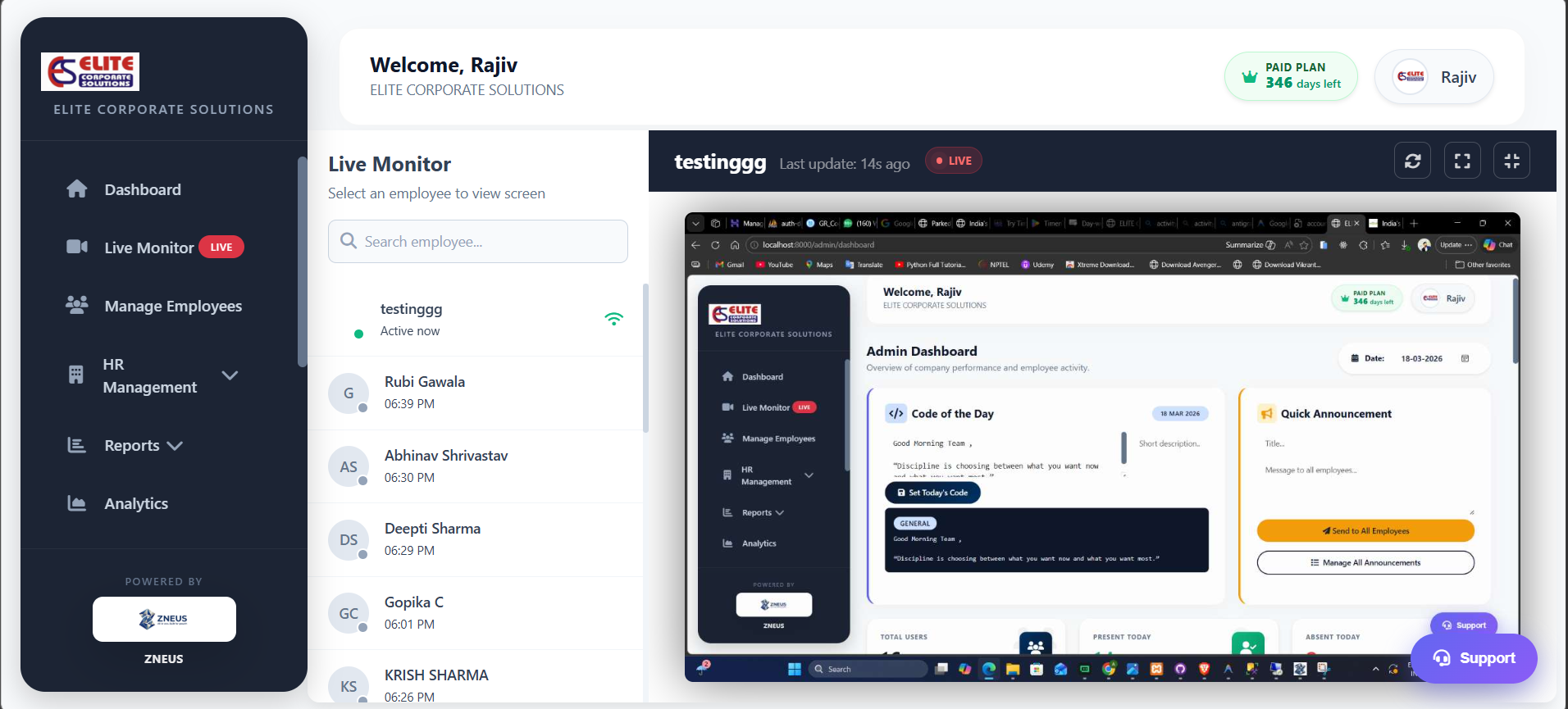
| Live Screen Monitoring | Helps managers review employee screen activity where appropriate |
| Automatic Screenshots | Provides visual records of work activity |
| Time Tracking | Helps monitor working hours and time allocation |
| App and Website Tracking | Shows which applications and websites are being used |
| Productivity Analytics | Helps identify activity patterns and productivity trends |
| Detailed Reports | Makes it easier to review employee performance and work patterns |
For example, a platform such as Zneus brings employee monitoring, time tracking, application usage insights, screenshots, and productivity analytics together to support workforce management.
These features help managers understand employee activity without depending entirely on manual supervision.
7 Practical Ways to Improve Remote Employee Productivity
Identifying idle time is only the first step. Businesses should also focus on improving employee performance and creating a better working environment.
1. Set Clear Daily Goals
Employees should understand their daily responsibilities and expected outcomes. Clear goals help them prioritize important tasks and manage their time effectively.
2. Create a Structured Work Schedule
A planned schedule helps employees organize meetings, focused work sessions, and breaks. It also makes it easier to manage daily responsibilities.
3. Use Productivity Tracking Tools
Employee productivity tracking tools help managers understand work patterns and identify areas where employees may need support.
4. Reduce Unnecessary Distractions
Frequent notifications, unrelated websites, and unnecessary interruptions can affect concentration. Businesses should encourage employees to create focused working periods.
5. Encourage Regular Communication
Regular team meetings and progress updates help employees stay connected with managers and colleagues. Clear communication also reduces confusion about assigned tasks.
6. Provide Feedback and Support
Managers should use productivity reports to guide employees rather than simply criticize them. Constructive feedback helps employees understand their improvement areas.
7. Recognize Employee Performance
Recognizing completed tasks, consistent performance, and quality work can motivate employees and create a positive working environment.
How to Measure Remote Employee Productivity Effectively
Measuring productivity requires more than checking whether an employee is active on a computer.
Businesses should consider multiple performance indicators, such as:
Task Completion: How many assigned tasks are completed within the expected time?
Work Quality: Does the employee deliver accurate and reliable work?
Time Management: Is working time being used effectively?
Application Usage: Are employees using tools relevant to their responsibilities?
Attendance and Punctuality: Are employees following their agreed work schedules?
Performance Trends: Is the employee showing consistent improvement over time?
Combining these indicators provides a more balanced understanding of employee performance.
Common Mistakes to Avoid While Tracking Idle Time
Businesses should avoid treating every inactive period as lost productivity. Some common mistakes include:
Considering every period of inactivity as unproductive time.
Monitoring employees without clearly communicating company policies.
Focusing only on screen activity instead of actual work results.
Ignoring meetings, approved breaks, and offline responsibilities.
Using monitoring reports to micromanage employees.
Comparing employees who have completely different job responsibilities.
The purpose of employee monitoring should be to improve work management, not create unnecessary pressure.
How Zneus Supports Better Workforce Productivity Management
Managing employee activity becomes easier when businesses have access to useful monitoring and reporting features.
Zneus provides workforce productivity features that help businesses understand employee work activity and manage teams more effectively.
Some relevant capabilities include:
Live screen monitoring to review employee screen activity.
Automatic screenshots to understand work progress.
Time and attendance tracking to manage working hours.
Application and website usage tracking to understand digital activity.
Productivity analytics to review employee activity patterns.
Detailed reporting to support better workforce management decisions.
By bringing these capabilities together, businesses can gain better visibility into work patterns, identify areas that may need attention, and make informed decisions about improving productivity.
The goal is not to monitor every movement. It is to understand work activity, support employees, and build a more organized and productive workplace.
Conclusion
Identifying idle time is an important part of managing remote teams, but it should always be done with proper context. Businesses need to understand employee activity, review work patterns, and focus on actual results rather than relying on screen activity alone.
Using employee monitoring software, time tracking, automatic screenshots, and productivity analytics can help managers identify possible productivity gaps and improve workforce management.
With clear goals, regular communication, constructive feedback, and the right tracking tools, businesses can create a more accountable and productive working environment.
Explore how Zneus can help your business manage employee activity, understand productivity patterns, and improve workforce management.